Step 1
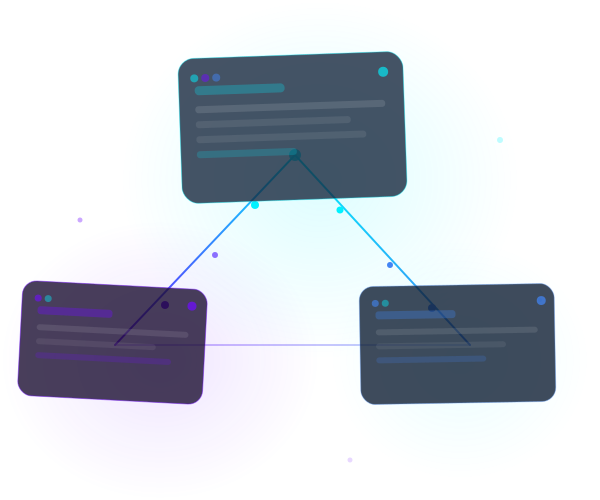
1. Connect your apps
Set up integrations with OAuth2, API Key, or basic authentication to unify CRM, email, spreadsheets, and databases in a single flow.
Build powerful automations visually. Connect your core systems, automate workflows, and save hours every week without writing code.
Everything you need to automate workflows in one powerful platform.
Drag and drop nodes to build complex automations without writing a single line of code.
SOC 2 compatible and end-to-end encryption. Your data is always protected.
Workflows run in milliseconds. Process millions of tasks with confidence.
Flow helps you turn manual processes into predictable automated flows. Connect your systems, define execution rules, and track outcomes in real time.
Set up integrations with OAuth2, API Key, or basic authentication to unify CRM, email, spreadsheets, and databases in a single flow.
Use the drag-and-drop editor to combine triggers, transformations, and actions. Automate repetitive tasks without waiting for custom development.
Track executions, identify failures, and refine your processes continuously to reduce rework and scale operations safely.
Live integrations across
The platform currently connects HubSpot, Notion, ClickUp, Omie, TOTVS, Sankhya, Twilio, Google Workspace, OpenAI, Claude, and Gemini.











From sales to finance, standardize tasks and reduce bottlenecks by integrating internal systems and external apps.
Sync contacts, leads, and opportunities across platforms to reduce duplicates and speed up the sales cycle.
Automate responses, task creation, and status updates to improve SLA and customer experience.
Integrate ERP, CRM, and internal tools to reduce manual work in billing, reconciliation, and validation routines.
It is a solution that lets you create integrations and workflows through a visual interface, without coding. This shortens implementation time and simplifies maintenance.
Yes. The same model supports lean operations and larger teams. You can start simple and evolve to robust automations as needed.
Yes. You can use built-in connectors and also create custom integrations for REST APIs with proper authentication and data control.
The platform provides execution history and status per flow so you can trace errors, validate outputs, and continuously optimize processes.